AI-driven debugging tools are rapidly transforming how developers find and fix errors in software. With complex codebases and tight deadlines, manual debugging often becomes a time sink. The best AI tools for debugging code use machine learning and deep language understanding to suggest fixes, explain errors, and automate repetitive bug-hunting tasks—saving hours in development cycles.
This article dives deep into the top AI tools developers actually test and rely on, from IDE integrations to cloud-based assistants. You’ll learn what each tool excels at, real use cases, pros and cons, pricing, and how they stack up when debugging real-world code.
What Makes an AI Debugging Tool Worth Using
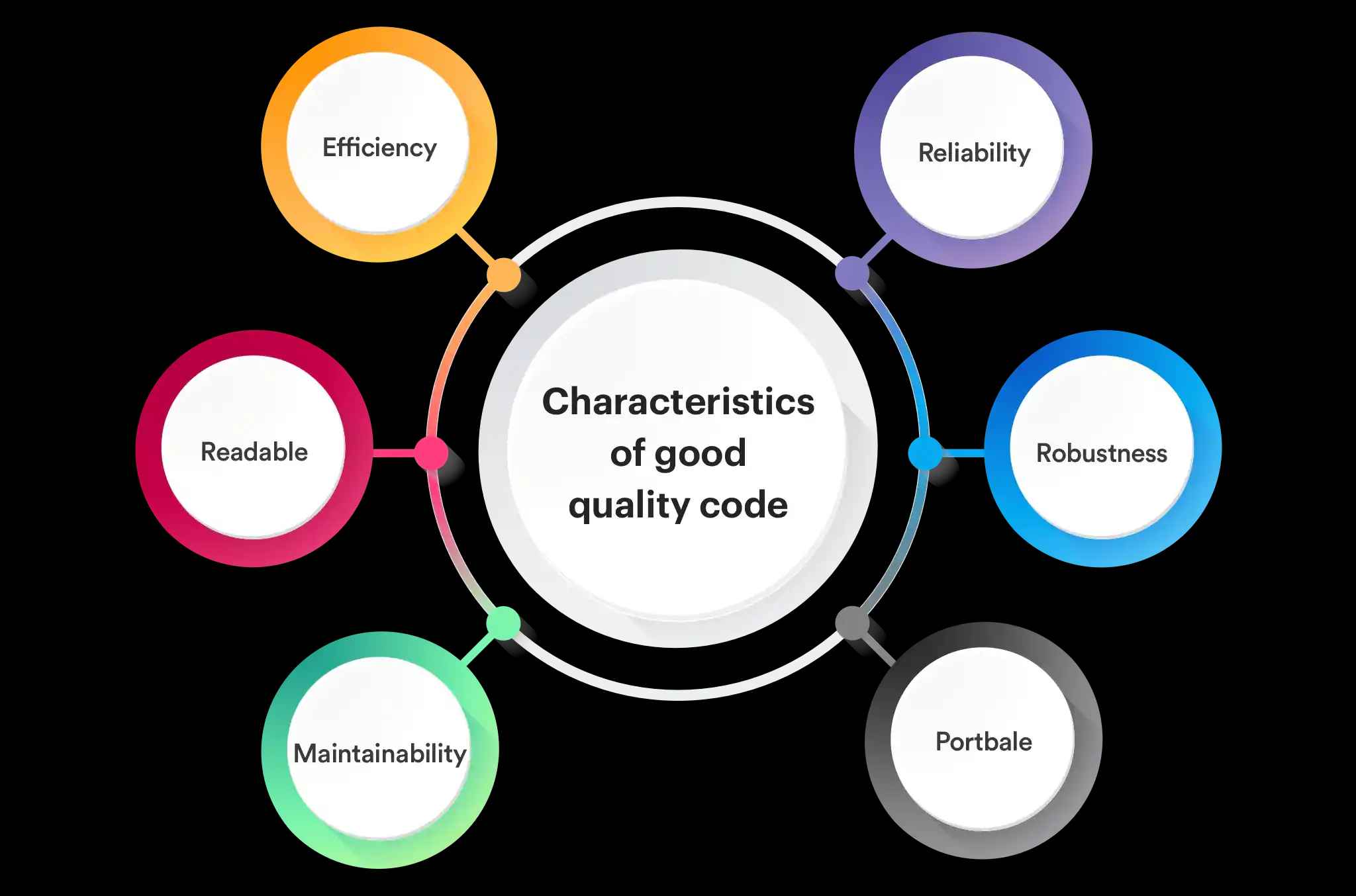
Before we jump into the tools, it’s important to understand what separates a good AI debugging assistant from a mediocre one.
1. Accuracy of Bug Detection
AI tools must correctly identify both obvious syntax bugs and subtle logical flaws without overwhelming developers with false positives.
2. Actionable Fixes and Suggestions
The best tools don’t just point out problems—they propose clear, in-context solutions backed by reasoning.
3. Integration with Developer Workflows
Native support for popular editors (VS Code, JetBrains IDEs), CI/CD pipelines, and version control improves productivity.
4. Language and Framework Support
Effective tools support multiple languages (Python, JavaScript, Java, C#, etc.) and popular frameworks like React, Django, Node.js, and Spring.
5. Collaboration and Team Debugging
Features like shared annotations, explanations, and integration with issue trackers (Jira, GitHub Issues) enhance team productivity.
Best AI Tools for Debugging Code (Developer Tested)
Here’s our detailed breakdown of the top AI debugging tools that developers recommend and use in production.
1. GitHub Copilot
Overview:
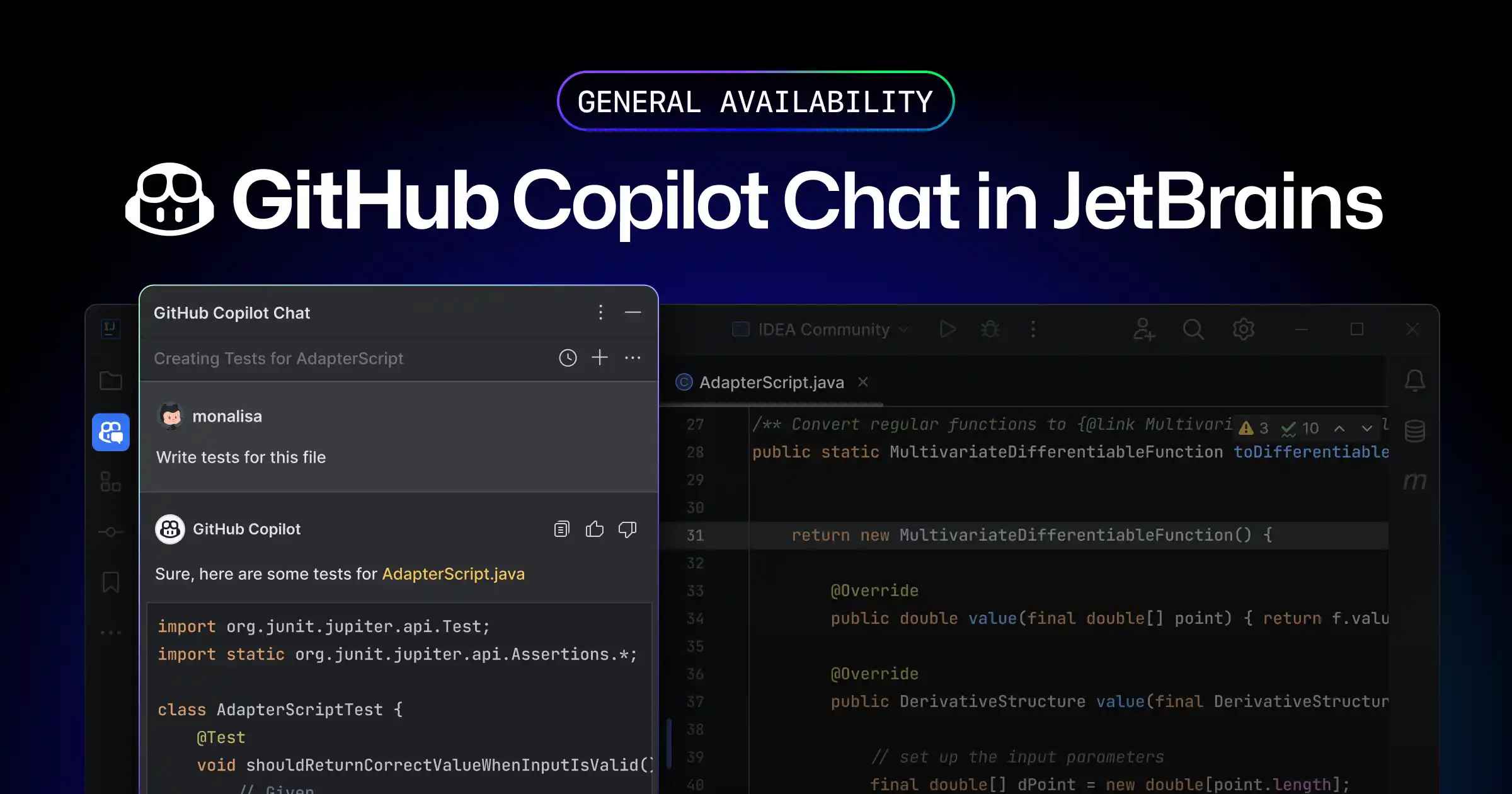
GitHub Copilot, built with OpenAI Codex, is one of the most widely adopted AI coding assistants. It integrates directly into IDEs like VS Code and JetBrains products and helps generate code, explain errors, and suggest corrections.
Key Debugging Features:
- Inline suggestions to fix syntax and runtime errors.
- Code explanation for understanding root causes.
- Can generate test cases to verify fixes.
Developer Insights:
Copilot accelerates debugging, especially for tricky syntax and reproducible bugs. Some advanced logic errors still require human intuition, but Copilot’s suggestions are usually relevant and high-quality.
Pros:
- Seamless IDE integration.
- Supports many languages.
- Strong context awareness.
Cons:
- Fix suggestions vary with code complexity.
- Pricing may be high for large teams.
Best For: Individual developers and teams seeking an integrated AI assistant.
2. Amazon CodeWhisperer
Overview:
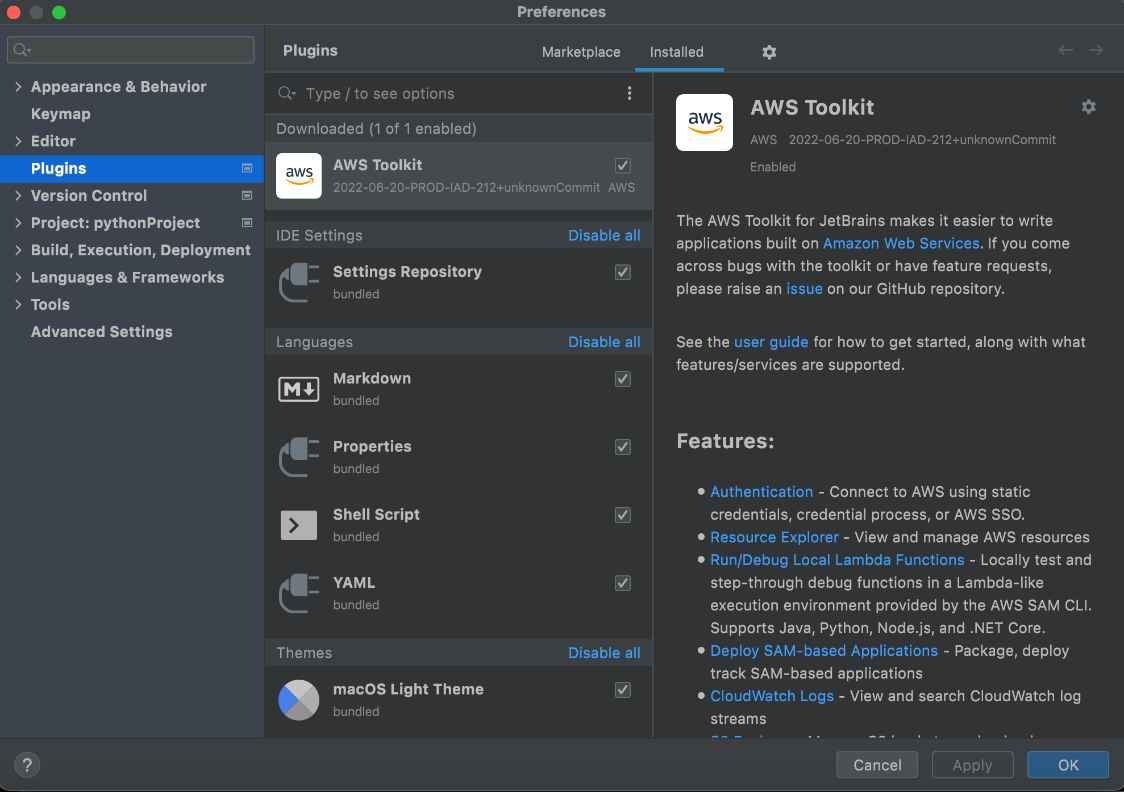
Amazon CodeWhisperer is AWS’s AI coding companion that assists with code generation and debugging. It’s designed to work well with AWS services and supports enterprise security scanning as well.
Key Debugging Features:
- Real-time code suggestions to fix errors.
- Security alerts for vulnerable code during debugging.
- AWS context-aware diagnostics.
Developer Insights:
CodeWhisperer’s strength lies in cloud-native application debugging and integration with AWS environments. Its security insights significantly reduce risks in production systems.
Pros:
- Security-focused debugging.
- Tight AWS integration.
- Supports multiple languages.
Cons:
- Best value when used within AWS ecosystem.
- Less effective on non-AWS projects.
Best For: Cloud applications and teams using AWS services.
3. Snyk Code
Overview:
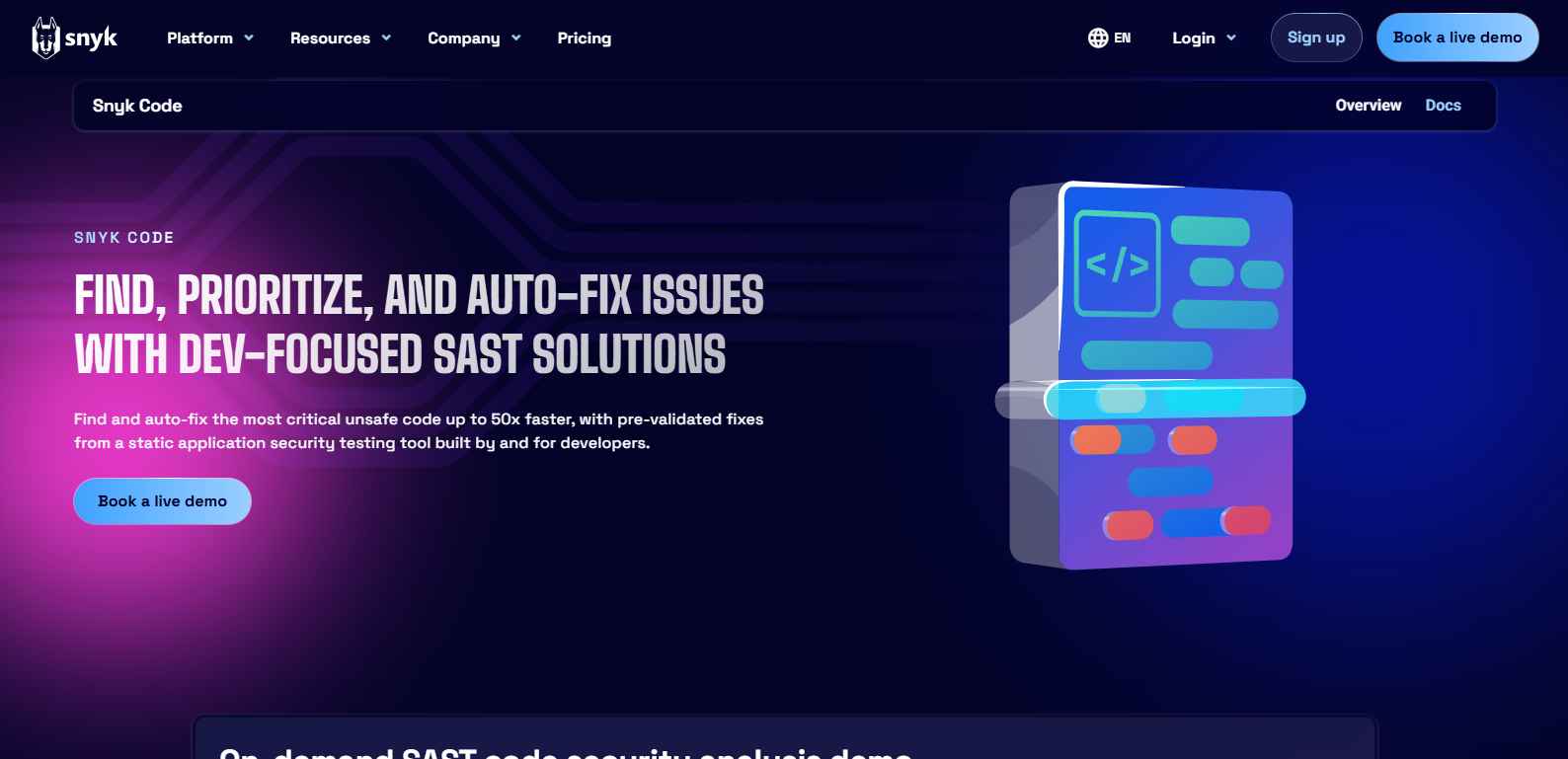
Snyk Code focuses on secure coding and fixes vulnerabilities during development. It extends beyond traditional debugging by identifying safety flaws and suggesting secure patches.
Key Debugging Features:
- Static analysis with AI-driven fixes.
- Prioritizes vulnerabilities and bug severity.
- Integrates with IDEs, GitHub, GitLab, and CI/CD tools.
Developer Insights:
Security bugs can be hard to spot manually. Snyk does a great job providing context about why an issue is a vulnerability and how to fix it.
Pros:
- Great at security-centric debugging.
- Accurate prioritization of serious bugs.
- Enterprise-ready.
Cons:
- May produce alerts developers don’t need for quick prototypes.
- Price scales with team usage.
Best For: Teams focused on secure code and vulnerability detection.
4. Tabnine
Overview:
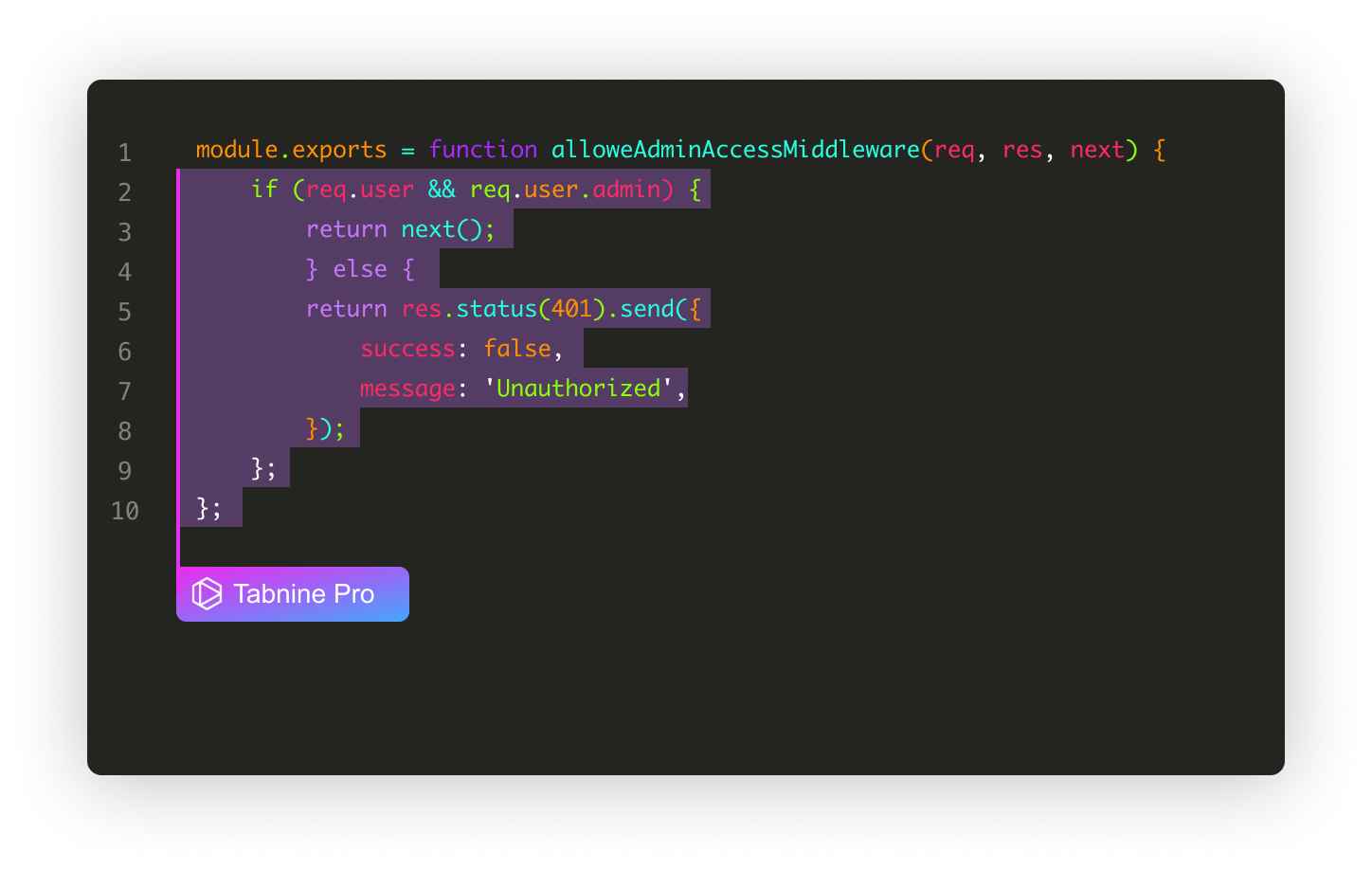
Tabnine is an AI code completion tool that helps with debugging by predicting and correcting code. It supports many languages and adapts to project patterns.
Key Debugging Features:
- Predictive completion reduces common bugs.
- Custom model training for team codebases.
- Works in most popular IDEs.
Developer Insights:
Tabnine is excellent at reducing minor bugs by predicting correct code patterns. For deep logic bugs, Stack traces and human review still help, but Tabnine speeds up iterative fixes.
Pros:
- Fast and lightweight.
- Custom team models.
- Broad language support.
Cons:
- Not focused solely on debugging.
- Requires training for best results.
Best For: Developers who want productivity gains and bug reduction at the code-writing stage.
5. Codeium
Overview:
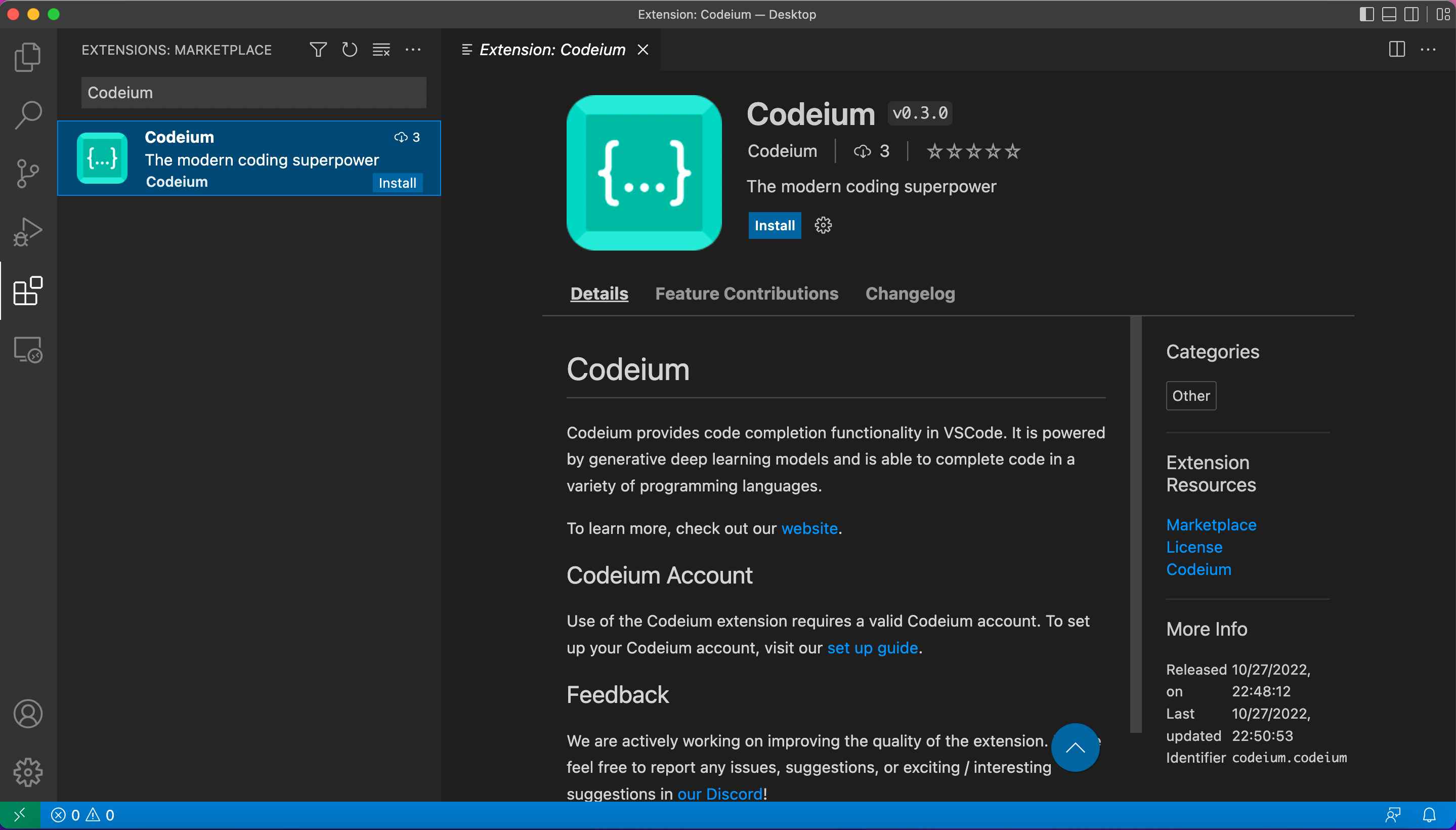
Codeium is an emerging AI coding assistant offering free and premium tiers. It helps with code completion, explanations, and debugging suggestions across multiple languages.
Key Debugging Features:
- Real-time suggestions for errors.
- Explanation of why code fails.
- Supports multi-file contextual understanding.
Developer Insights:
Codeium shines for developers who want a cost-effective AI helper. Its debugging fixes are reliable for many common bugs, though advanced logic errors might need manual review.
Pros:
- Free tier with strong features.
- Cross-IDE support.
- Fast suggestions.
Cons:
- Not as deep as Copilot on complex reasoning.
- Limited enterprise tooling.
Best For: Freelancers and small teams looking for budget AI debugging.
6. DeepCode (Snyk AI Engine)
Overview:
DeepCode, now part of Snyk’s offerings, is an AI static analyzer. It detects code patterns that lead to bugs and suggests fixes based on a large corpus of open-source code.
Key Debugging Features:
- Pattern-based bug detection.
- Auto-fix suggestions grounded in real cases.
- IDE and CI/CD integrations.
Developer Insights:
DeepCode’s strength is in catching subtle patterns seen in big codebases. Combined with Snyk’s security focus, it’s a powerful tool for robust debugging.
Pros:
- Strong pattern recognition.
- Accurate suggestions.
- Team collaboration features.
Cons:
- Requires configuration.
- Premium pricing for large teams.
Best For: Teams needing deep static analysis with AI insights.
7. CodeGPT Plugins for Debugging
Overview:
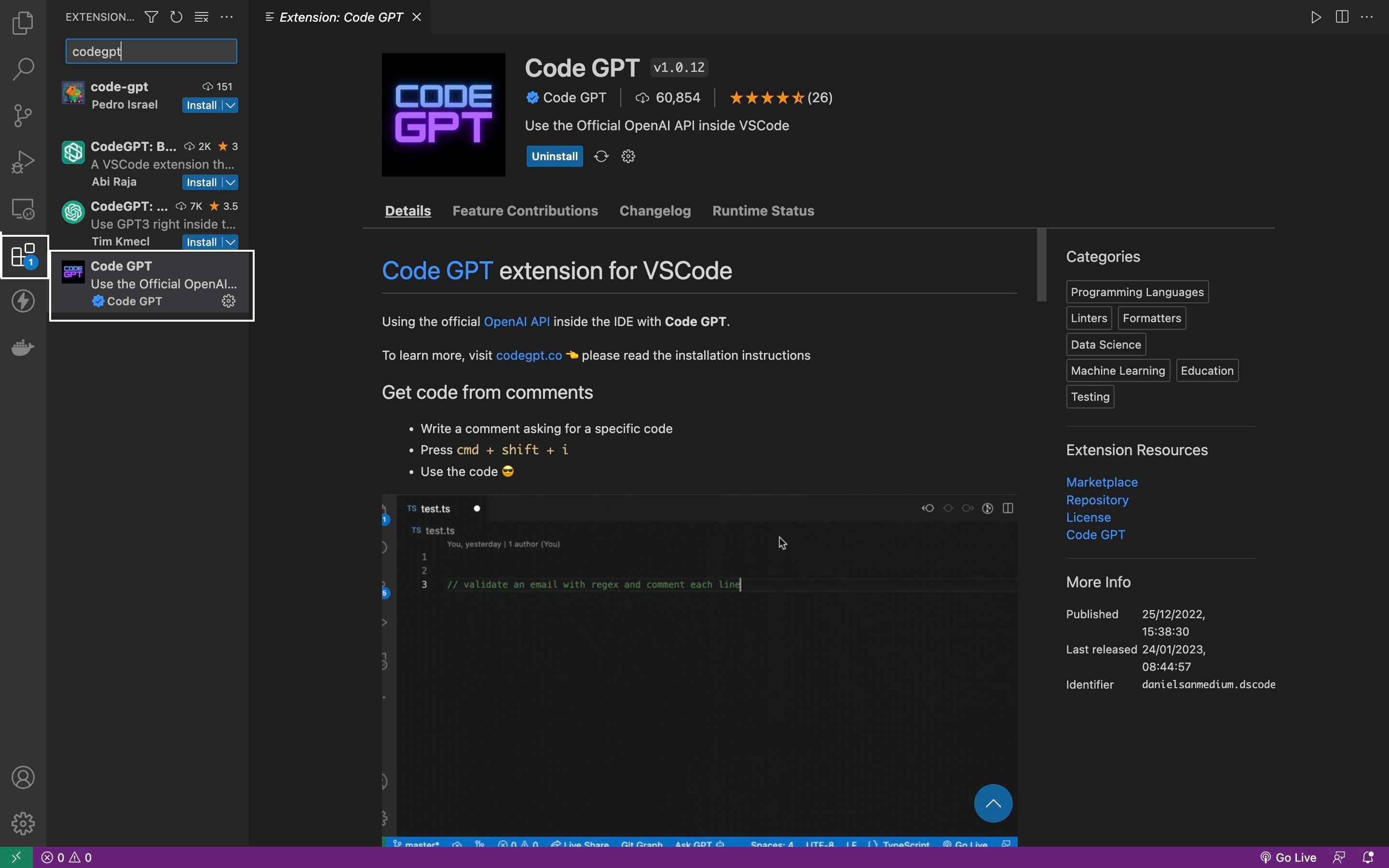
Extensions like CodeGPT bring ChatGPT-like AI directly into development environments. While not dedicated debug tools, they excel at explaining errors and suggesting fixes using natural language queries.
Key Debugging Features:
- Ask questions about bugs in plain English.
- Get suggested patches and explanations.
- Useful for learning and complex problem breakdowns.
Developer Insights:
This approach turns debugging into a conversational process. It’s especially useful for junior developers learning how to fix issues.
Pros:
- Natural language interaction.
- Great for understanding unfamiliar code.
- Flexible and general-purpose.
Cons:
- Requires clear prompts.
- Not automated—developer still drives process.
Best For: Learning-focused debugging and explanation.
Feature Comparison: AI Debugging Tools
| Tool | Best For | Debugging Focus | IDE Support | Free Tier |
|---|---|---|---|---|
| GitHub Copilot | General AI assistance | Code fixes & suggestions | VS Code, JetBrains | No |
| Amazon CodeWhisperer | AWS-centric devs | Cloud & security | VS Code, JetBrains | Yes |
| Snyk Code | Secure coding | Vulnerabilities | Multiple | Yes |
| Tabnine | Predictive completion | Early bug reduction | Broad | Yes |
| Codeium | Budget AI help | Common errors | Multiple | Yes |
| DeepCode (Snyk) | Deep static analysis | Pattern bugs & security | Multiple | No |
| CodeGPT Plugins | Interactive explanation | Bug explanation | VS Code | Yes |
How AI Debugging Tools Fit Into Developer Workflows
Fixing Syntax & Compile Errors
Most tools instantly flag and fix basic errors, saving time on repetitive corrections.
Understanding Logic Bugs
AI can suggest likely causes but typically works best with human review for complex business logic.
Improving Code Quality
By proposing tests, security fixes, and code patterns, AI tools improve long-term maintainability.
Collaborating with Teams
Integrated suggestions in pull requests and tickets accelerate team consensus on fixes.
Tips for Getting the Most Out of AI Debugging Tools
- Keep your code context rich: Provide as much surrounding code as possible for better suggestions.
- Use tests alongside AI suggestions: Let tests validate AI-proposed fixes.
- Configure for your stack: Tailor rules and language models for your project.
- Review automatically generated code: AI is not infallible—validate logic before merging.
Common Mistakes When Using AI for Debugging
- Relying Blindly on Suggestions
AI can propose plausible but incorrect fixes. Use tests and reviews. - Ignoring Security Alerts
Some tools generate false positives; classify severity before action. - Not Updating Models
AI tools evolve. Update extensions regularly for best performance. - Underestimating Context Needs
Sparse code context leads to poor suggestions.
Future of AI in Debugging
AI is steadily improving in pattern recognition, contextual reasoning, and automated testing. Future tools may auto-generate fixes verified by tests and even integrate closely with runtime telemetry to fix production bugs autonomously.
FAQ
What is the best AI tool for beginners to debug code?
For beginners, tools like GitHub Copilot and CodeGPT plugins offer approachable, context-aware explanations and suggestions. They help understand errors and provide actionable fixes using natural language prompts.
Can AI debugging tools fix all kinds of bugs?
AI tools excel at syntax errors, common patterns, and security issues. However, complex domain-specific logic bugs still require human reasoning and domain knowledge.
Are AI debugging tools secure to use in private repositories?
Most tools respect privacy but you should check each tool’s data usage policy and configure settings to ensure code confidentiality.
Do these tools work offline?
Most AI debugging assistants require internet connectivity, though some (like Copilot Enterprise with on-prem models) offer offline/enterprise-hosted options.
How much do AI debugging tools cost?
Pricing varies: some offer free tiers with usage limits (Codeium, CodeWhisperer), while others require subscription plans for full features (Copilot, Snyk).
Conclusion
AI-powered debugging tools have moved from being optional helpers to essential parts of modern development workflows. When used correctly, they dramatically reduce debugging time, improve code quality, and help developers focus on solving real problems instead of chasing repetitive errors.
While no AI tool can fully replace human judgment, the right combination of AI assistance and developer expertise leads to faster releases, more secure applications, and cleaner codebases. As these tools continue to evolve, developers who learn to integrate them thoughtfully will gain a clear productivity and competitive advantage.



Write a comment